Zikporx AI
Private AI for iPhone
Chat with on-device Apple Intelligence or your own Ollama model. No account, no cloud.
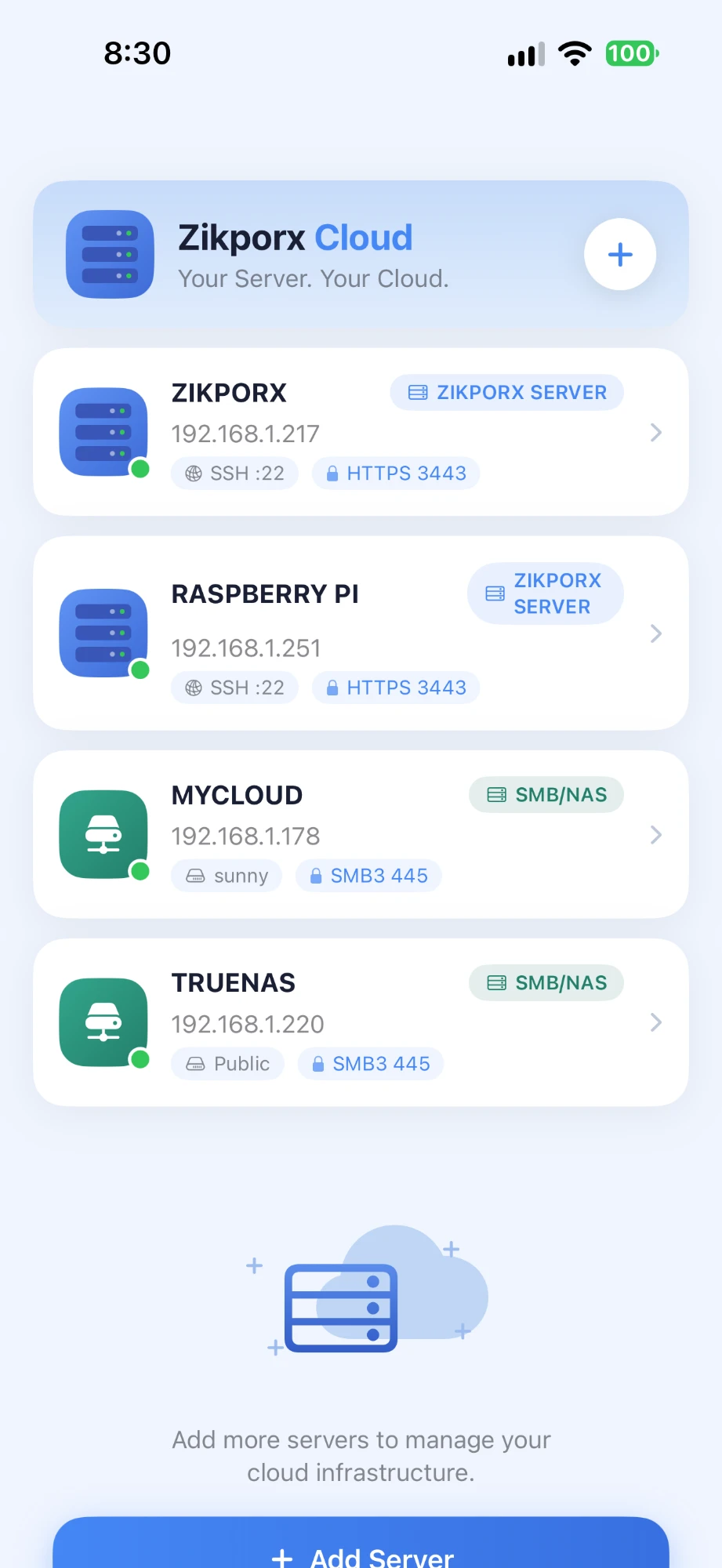
View app →Turn any Ubuntu server, VPS, or Raspberry Pi into your own personal cloud. No subscriptions. No third-party storage. Your files stay on your hardware.
Submitted to App Store · Free to download
Chat privately using Apple Intelligence on your iPhone or your own Ollama server. No account, no proxy, no cloud in the middle — your prompts go directly to the model you choose.
Monitor and manage your servers from your iPhone. Check CPU, memory, disk, running services, and live logs — all without opening a terminal.
Run your own VPN on any Ubuntu VPS or home server. No third-party provider, no shared infrastructure — your traffic routes through hardware you own.
A growing suite of focused, privacy-first tools — each one designed to do one job well, with no account or subscription required.
Privacy-first apps for AI, productivity, networking, and your own cloud.
Private AI for iPhone
Chat with on-device Apple Intelligence or your own Ollama model. No account, no cloud.
View app →AI-Powered Calculator
Smart calculator with AI math solver, currency converter, and 12+ financial tools.
App Store ↗PDF Tools
Merge, split, compress, and sign PDF files — all on your device.
App Store ↗Business Invoicing
Create and send professional invoices from your iPhone in seconds.
App Store ↗VPN & Privacy
Fast, private VPN to protect your connection on any network.
App Store ↗Secure VPN
Self-hosted VPN on your own server. Bring your own Ubuntu VPS or home server — no third-party VPN provider.
App Store ↗Server Manager
Monitor and manage your servers, services, and logs from your iPhone.
App Store ↗Self-Hosted Cloud
Turn any Ubuntu server, VPS, or Raspberry Pi into your personal cloud. No subscriptions.
App Store ↗